line for shops
Beautiful LINE Official rich menu examples for 6 appointment businesses
Rich menu examples for hair salons, barbershops, spas, nail studios, lash studios and tattoo studios: which tiles to include, where each one goes, and why the booking button should be the biggest.
- Section
- line for shops
- Reading
- 8 min
- Updated
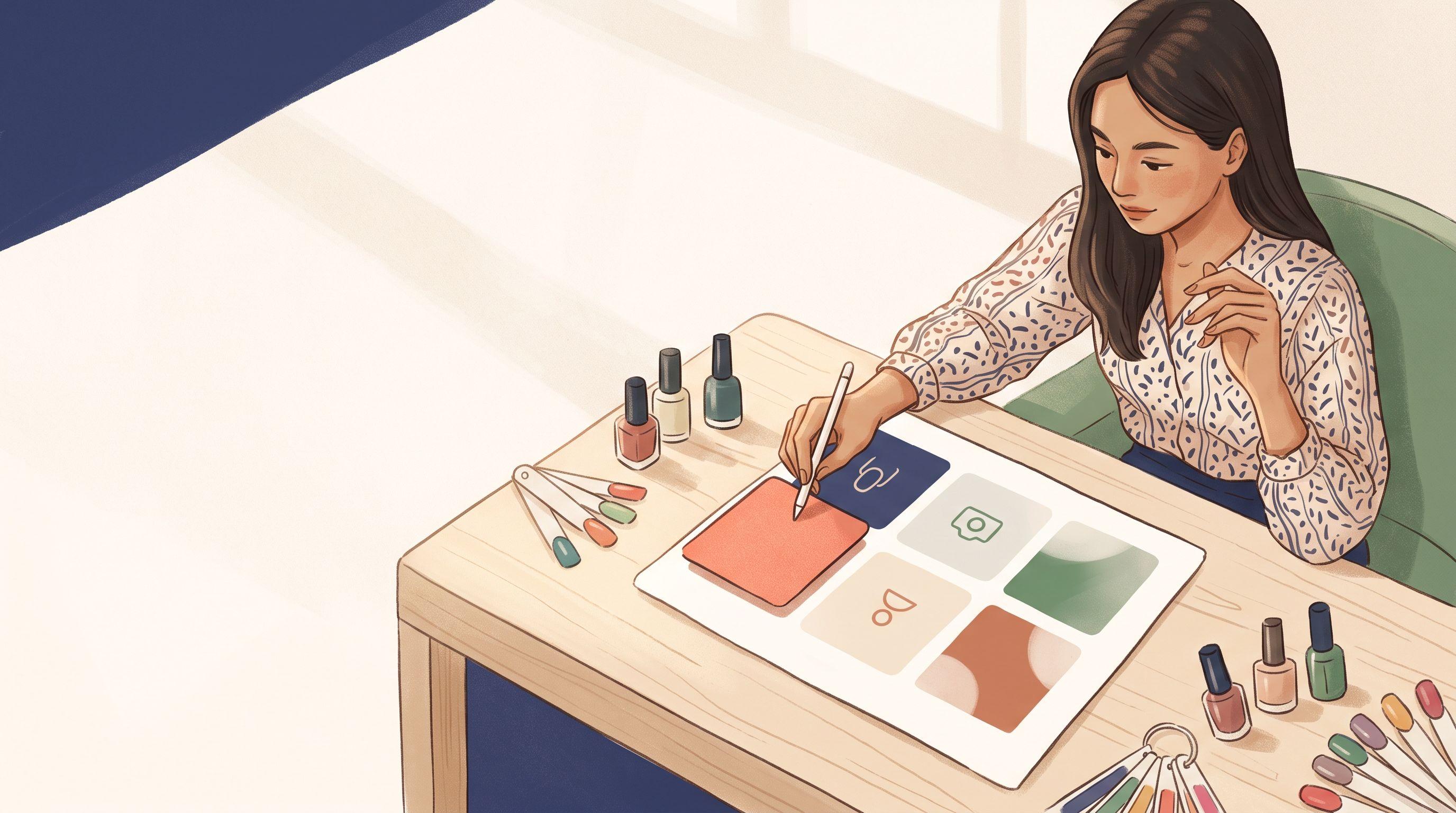
The most beautiful LINE Official rich menu examples for appointment businesses share one rule: the booking button is the biggest, brightest tile, and every other tile helps the client decide to book. Below you'll find a ready-to-copy grid for six business types (hair salons, barbershops, spas and massage shops, nail studios, lash studios and tattoo studios), plus free ways to turn each one into a finished menu.
This guide is for businesses where customers book a time slot. If you run a restaurant, cafe or online shop, LINE's own general templates will suit you better, because your menu is built around ordering rather than appointments.
Why appointment businesses need a different rich menu
A rich menu is the tappable image panel at the bottom of your LINE Official Account chat. Most of the attractive examples online come from big consumer brands and cafes. They look great, but they are built to push coupons, promotions and product catalogs.
A salon or spa needs that panel for one job: turning a curious follower into a booked appointment without a long chat. Every "Do you have a slot Saturday at 3?" message costs you time in the middle of a busy shift. A good rich menu answers that question before it's asked.
How to order rich menu buttons
These principles sit behind every example in this guide.
- Make booking the biggest tile. Give it at least a third of the menu, ideally the full left half or the full top row. Thumbs land there first.
- Put decision helpers next to it. Prices, portfolio photos and staff profiles answer "Is this worth it?" and "Who should I book?"
- Keep logistics at the edge. Location, hours and parking matter, but only after the client has decided.
- Stop at six tiles. More buttons means smaller labels, and small labels get ignored on a phone.
- Use verbs, not nouns. "Book now" beats "Booking". "See prices" beats "Menu".
- Match your shop's colors. Clients should recognize your menu the way they recognize your signboard.
LINE offers two shapes: a large menu (commonly 2500 x 1686 pixels) and a compact one at half the height (2500 x 843 pixels). Appointment businesses usually do better with the large size, because it fits a dominant booking tile plus supporting buttons. All six examples below use the large size.
Beautiful LINE Official rich menu examples by business type
Each example below is a grid you can copy tile for tile. The position column tells you where the tile sits on the large menu, and the last column tells you what the tap should open.
Hair salon rich menu example
Salon clients want to know who will do their hair and what it will cost. A salon in a Chiang Mai mall or a Sukhumvit side street can use this grid.
| Position | Tile label | Opens |
|---|---|---|
| Left half | Book now | Booking page |
| Top right | Our stylists | Stylist gallery |
| Middle right | See prices | Service list |
| Bottom right | Find us / Chat | Map / chat |
Design idea: a soft photo of your styling chairs behind the booking tile, with plain white or cream tiles on the right so the prices stay readable.
Barbershop rich menu example
Barbershops often run on walk-ins, so the menu has to give regulars a reason to book instead of turning up and hoping.
| Position | Tile label | Opens |
|---|---|---|
| Top row, full width | Skip the wait: book | Booking page |
| Bottom left | Cuts and prices | Service list |
| Bottom middle | Our barbers | Barber profiles |
| Bottom right | Location | Map |
Design idea: a dark, high-contrast style with one bold accent color on the booking bar, so it reads instantly even on a cracked phone screen.
Spa and massage rich menu example
Spa and massage clients browse before they commit. They want to compare a 60-minute Thai massage with a 90-minute aromatherapy session, so the menu should take them from browsing to booking in two taps.
| Position | Tile label | Opens |
|---|---|---|
| Top row, full width | Book a treatment | Booking page |
| Bottom left | Treatments | Menu and prices |
| Bottom middle | Packages | Packages, gift cards |
| Bottom right | Hours and map | Location |
Design idea: a wide banner with a calm photo of your treatment room and a single clear label. It looks premium without hiding the main action. If you sell couple packages, show them inside the booking flow rather than adding a seventh tile.
Let clients book themselves, 24/7
One booking link for LINE, Google Maps, Instagram and your website. Clients pick the service, the staff member and the time, and reminders go out on their own.
Create a free booking page Free forever · No card needed
Nail studio rich menu example
Nail clients book on looks. They've seen a design on Instagram and want to know if you can do it, what it costs and when you're free.
| Position | Tile label | Opens |
|---|---|---|
| Left half | Book your set | Booking page |
| Top right | Portfolio | Recent work |
| Middle right | Gel and prices | Price list |
| Bottom right | This month's designs | Promo gallery |
Design idea: pastel tones with a close-up of your best set on the booking tile. Swap the "This month's designs" image every month to keep the menu feeling fresh.
Lash studio rich menu example
Returning clients fill much of a lash artist's week, so refills deserve a visible path of their own.
| Position | Tile label | Opens |
|---|---|---|
| Left half | Book new set | Booking page |
| Top right | Book refill | Refill service |
| Middle right | Styles and prices | Price list |
| Bottom right | Aftercare | Care tips |
Design idea: a minimal black-and-nude palette with a single eye close-up. Point both booking tiles to your booking page, ideally with the refill service preselected where your setup allows.
Tattoo studio rich menu example
Tattoo clients usually need to see an artist's style before they book, and many expect to pay a deposit. The menu should show work first and make the commitment clear.
| Position | Tile label | Opens |
|---|---|---|
| Left half | Book a session | Booking page |
| Top right | Artists' work | Portfolios |
| Middle right | Pricing and deposits | Policy page |
| Bottom right | Aftercare / Chat | Tips / chat |
Design idea: use one strong piece of linework as the background and let each artist's portfolio carry the color. A portfolio tile can point to a link-in-bio page such as JaaLink. The base JaaLink page with your booking QR is free, and a gallery is part of the Plus plan. Deposits through PromptPay QR are also available from the Plus plan.
Free ways to build your rich menu template
You don't need a designer to turn these grids into a good-looking menu. Pick whichever tool suits you.
- LINE's own Rich Menu Maker: LINE for Business offers a free maker with ready icons and text, which is enough for a clean, simple menu.
- Canva: search Canva for "LINE rich menu" to find templates in many styles, or set a custom canvas of 2500 x 1686 pixels and lay out one of the grids above.
- Freelancers: Thai freelance marketplaces list rich menu designers. Prices vary widely by designer and scope, so ask for a quote based on the grid you want.
- JaaTime's Rich Menu builder: a visual builder included in JaaTime. Designing and downloading your menu is free; pushing it straight to your own LINE OA is part of the Pro plan.
The advantage of building inside a booking system is that the booking tile opens your real booking page in LINE. With JaaTime, booking opens inside LINE through LINE LIFF and finishes in about 30 seconds, so the client never leaves the chat.
Turn an example into your menu with JaaTime
- Step 1
Pick your example
choose the grid above that matches your business and confirm which tile is the booking button.
- Step 2
Add your branding
apply your logo, shop colors and one strong photo so the menu looks like your storefront.
- Step 3
Write short labels
use verbs, keep each label to two or three words, and add Thai and English if you serve both.
- Step 4
Link the booking tile
point it to your booking page at yourbusiness.jaatime.com so clients pick a service, staff member and time.
- Step 5
Download or publish
download the image to upload in LINE Official Account Manager, or push it straight to your own OA on Pro.
On the Free plan, LINE booking runs through a shared LINE Official Account, and confirmations and reminders still arrive as LINE messages with no SMS cost. If you want your own OA with a branded booking flow, compare options on the pricing page.
Checklist before you publish
Run through this list before your new menu goes live:
- The booking tile is the largest and most colorful area.
- Every label is readable on a small phone at arm's length.
- Every tile is linked, and you have tapped each one yourself.
- The booking link opens correctly inside the LINE app, not just on a desktop browser.
- Prices and hours match what is on your booking page.
- No text sits over a busy part of a photo.
- You chose the large or compact size on purpose.
For setup steps, sizing and tap areas, see the LINE guides in the JaaTime Help Center and more articles on the JaaTime Journal.
6Questions and answers
01What size should a LINE rich menu be?
LINE uses two main shapes: a large menu, commonly 2500 x 1686 pixels, and a compact menu at half the height, 2500 x 843 pixels. Appointment businesses usually get more from the large size because it fits a big booking tile plus supporting buttons.
02Can I make a beautiful rich menu for free?
Yes. LINE for Business offers a free Rich Menu Maker, Canva has LINE rich menu templates, and JaaTime's Rich Menu builder lets you design and download a menu for free.
03How many buttons should a rich menu have?
For salons, spas and studios, four to six tiles work best. Fewer tiles means bigger labels that are easier to tap on a phone, and the booking button can stay clearly the largest.
04Do I need my own LINE Official Account to take bookings through LINE with JaaTime?
No. On the Free plan, LINE booking runs through a shared JaaTime LINE Official Account. The Pro plan connects your own LINE OA with a branded booking flow and lets you push your rich menu to it directly.
05Should my rich menu be in Thai or English?
If your clients include tourists or expats, use short bilingual labels with Thai and English on separate lines. If nearly all clients are Thai, Thai-only labels keep the design cleaner.
06How often should I change my rich menu design?
Keep the layout and booking tile stable so regulars know where to tap, but refresh photos or a promo tile monthly or seasonally. Changing the whole structure often confuses returning clients.
JaaTime JournalUpdated November 13, 2026. Plan prices in this article come straight from our live price list. Spotted an inaccuracy? Tell us on LINE.