line for shops
LINE Rich Menu sizes: dimensions and button areas for every common layout
The exact LINE Rich Menu sizes (2500×1686 and 2500×843), file rules, and the pixel size of every button area, plus where to put your booking button.
- Section
- line for shops
- Reading
- 8 min
- Updated
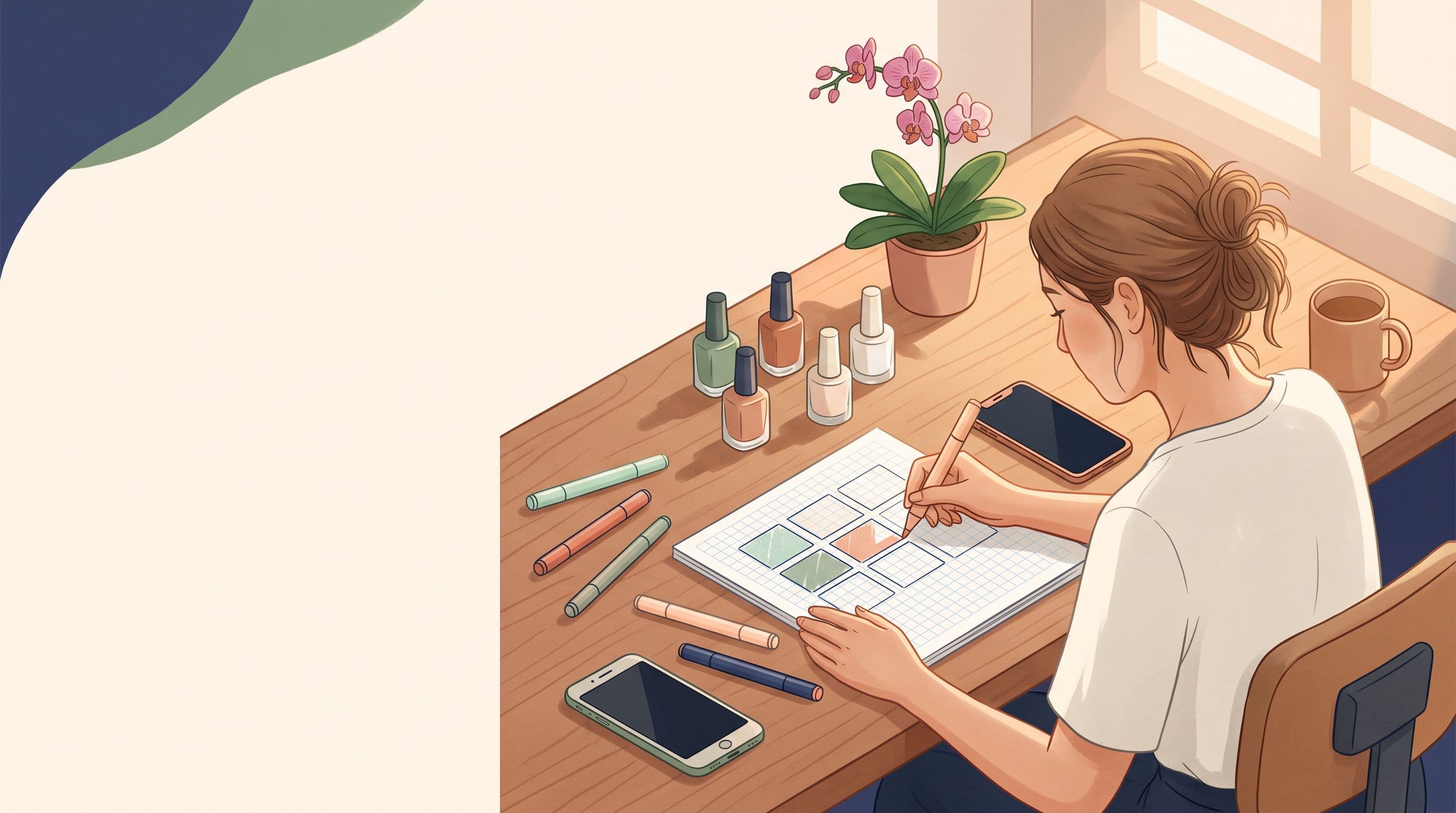
A LINE Official Account Rich Menu comes in two main sizes: large at 2500×1686 pixels and compact at 2500×843 pixels. The image must be a JPG, JPEG or PNG file no larger than 1 MB. Smaller versions with the same proportions (1200×810, 1200×405, 800×540, 800×270) also work, but 2500 pixels wide gives the sharpest result on modern phones.
The rest of this guide gives you the pixel size of every button area in the common layouts, so your artwork lines up with what customers actually tap.
Who this guide is for
This guide is for appointment-based businesses in Thailand: hair salons, barbers, spas and massage shops, nail and lash studios, clinics, tattoo studios, photographers and trainers. If customers book a time slot with you, your Rich Menu's most important job is getting them to your booking page in one tap.
If you run a restaurant or an online store, the sizes below still apply, but the layout advice is written around bookings.
LINE Rich Menu size at a glance
The two formats share the same width and differ only in height. Large covers roughly half the chat screen. Compact is a single strip.
| Format | Recommended size | Smaller options |
|---|---|---|
| Large | 2500×1686 px | 1200×810, 800×540 |
| Compact | 2500×843 px | 1200×405, 800×270 |
File requirements are the same for both:
- Formats: JPG, JPEG or PNG
- Maximum file size: 1 MB
- Color mode: RGB. Export in RGB for more predictable on-screen colors.
Many business owners stop after finding the Rich Menu canvas dimensions. The part that causes real problems is the tap areas, because LINE splits your image into invisible buttons based on the template you choose.
Large 2500×1686: button areas for each layout
In LINE OA Manager you pick a template, then upload one image. LINE divides that image into fixed zones. Design each zone as its own tile, with icons and text centered inside it.
Because 2500 does not divide evenly by three, three-column layouts use 833, 834 and 833 pixels. Row height in a two-row layout is 843 pixels.
| Layout | Areas | Size of each area |
|---|---|---|
| 6 buttons (3×2 grid) | 6 | Widths 833, 834, 833 × 843 high |
| 4 buttons (2×2 grid) | 4 | 1250×843 |
| 3 buttons (1 top, 2 bottom) | 3 | Top 2500×843, bottom 1250×843 |
| 3 buttons (3 columns) | 3 | Widths 833, 834, 833 × 1686 high |
| 2 buttons (left/right) | 2 | 1250×1686 |
| 2 buttons (top/bottom) | 2 | 2500×843 |
| 1 button (full image) | 1 | 2500×1686 |
The 6-button layout
The 6-button Rich Menu is a popular layout for appointment businesses. It fits the standard set of actions a salon or spa needs: Book now, Services and prices, Promotions, Location, Contact, and Reviews or portfolio.
The catch is that each tile is only 833×843 pixels. Keep labels to one or two words, use large icons, and leave about 60 to 80 pixels of empty space around the edges of each tile so nothing looks cramped.
The 1-top, 2-bottom layout
This is often the best choice for booking businesses. The wide top banner (2500×843) becomes a big "Book now" button, and the two bottom tiles handle secondary actions such as price list and location. Customers cannot miss the booking button.
Compact 2500×843: button areas for each layout
Compact menus take less screen space, so customers see more of the chat. They suit shops with only a few actions.
| Layout | Areas | Size of each area |
|---|---|---|
| 3 buttons | 3 | Widths 833, 834, 833 × 843 high |
| 2 buttons (equal) | 2 | 1250×843 |
| 2 buttons (1/3 + 2/3) | 2 | 833×843 and 1667×843 |
| 1 button | 1 | 2500×843 |
A barber who only needs "Book", "Prices" and "Map" can run perfectly well on a compact 3-button menu. The uneven 1/3 + 2/3 layout works nicely when the wide area is your booking button.
Where to place the booking button
On a Rich Menu, position equals priority. A few rules that work for appointment businesses:
- Make booking the largest or the first area. Top-left in a grid, or the full-width top banner in a 3-button layout.
- Use a verb, not a noun. "Book now" or "Book a slot" beats "Booking".
- Link straight to the booking page. Set the action to open your booking URL directly, not a chat keyword that triggers another message. Every extra step loses customers.
- Give it contrast. Use your strongest brand color on the booking tile and quieter colors for the rest.
- Keep the menu open by default. In LINE OA Manager you can choose whether the menu shows when a chat opens. For a booking business, it should.
A nail studio, for example, might use the large 1-top, 2-bottom layout: the top banner says "Book your nails" over a photo of recent work, the bottom-left shows "Price list", and the bottom-right shows "Find us". A massage shop with a walk-in crowd might add a "Today's availability" link alongside booking.
The link behind the button matters as much as the design. If tapping "Book now" opens a static price image or starts a conversation, your staff still end up booking manually in chat.
Let clients book themselves, 24/7
One booking link for LINE, Google Maps, Instagram and your website. Clients pick the service, the staff member and the time, and reminders go out on their own.
Create a free booking page Free forever · No card needed
Preparing a JPG or PNG under 1 MB
A 2500×1686 image with photos can easily exceed 1 MB, especially as PNG. Here is how to get it under the limit without making it blurry.
Prepare and test your Rich Menu file
- Step 1
Set the canvas
Create a custom-size design at exactly 2500×1686 or 2500×843 pixels in Canva, Figma or Photoshop.
- Step 2
Draw guides for each zone
Mark the tap-area lines from the tables above before adding any artwork, so text stays inside its tile.
- Step 3
Export as JPG if you use photos
JPG at around 80 percent quality usually keeps photo-heavy menus well under 1 MB. Save PNG for flat graphics with few colors.
- Step 4
Compress if needed
If the file is still too big, run it through an image compressor or reduce quality slightly. Check it still looks sharp at full size.
- Step 5
Test on real phones
Upload, then open your own LINE OA chat on both an iPhone and an Android phone. Tap every area and confirm each opens the right link.
When testing, check readability too. Text that looks fine on a laptop can be tiny on a phone. Hold the phone at arm's length: if you cannot read a label, make it bigger. As a rule of thumb, labels on a 2500-wide canvas should be well over 80 pixels tall.
Create and download a Rich Menu free with JaaTime
If designing tiles and calculating zones sounds tedious, JaaTime includes a visual Rich Menu builder. You can design your menu and download the image for free on any plan, then upload it to your LINE OA yourself.
The bigger benefit is what the booking button opens. With JaaTime, your shop gets a mobile-first booking page at its own subdomain ({business}.jaatime.com) that works inside the LINE in-app browser. Clients pick a service, staff member and time, and the page only shows slots that respect your working hours, staff shifts and service durations. Booking inside LINE via the rich menu takes about 30 seconds, and confirmations and reminders arrive as LINE messages, so there is no SMS cost.
JaaTime plans and pricing
How it works by plan:
- Free: booking page, calendar and client history, LINE booking through a shared LINE Official Account, automatic LINE reminders, and the Rich Menu builder for design and download.
- Pro: connect your own LINE OA with a branded LIFF booking flow and push the Rich Menu directly to your OA, plus loyalty, gift cards and an Inbox AI assistant.
Plans · JaaTime
What JaaTime costs
Plan · teamPrice · per month
Every new account starts with a 14-day free trial of Max with all features, no credit card required, and the Free plan stays free forever. See the full breakdown on the pricing page, or read the LINE setup guides in the Help Center.
Quick checklist before you publish
- Canvas is exactly 2500×1686 or 2500×843 pixels.
- File is JPG, JPEG or PNG and under 1 MB.
- Every label and icon sits fully inside its tap area.
- The booking button is the biggest or first area and links directly to your booking page.
- You tested every tap on both iPhone and Android.
- The menu is set to display by default when a chat opens.
Get these six right and your Rich Menu stops being decoration and starts filling your calendar.
10Questions and answers
01What is the best Rich Menu size for a LINE Official Account?
Use 2500×1686 pixels for a large menu or 2500×843 pixels for a compact one. Smaller sizes such as 1200×810 work, but 2500 pixels wide looks sharpest on modern phones.
02Why will LINE not accept my Rich Menu image?
The most common reasons are a file larger than 1 MB, an unsupported format, or dimensions that do not match the template. Export as JPG or PNG at the exact size and compress the file if it is over 1 MB.
03How big is each button in a 6-button Rich Menu?
On a 2500×1686 canvas, each of the six areas is about 833×843 pixels, with the middle column 834 pixels wide so the total adds up to 2500.
04Should I choose a large or compact Rich Menu for my salon?
Choose large if you need four to six actions or want a prominent booking banner. Choose compact if you only need two or three buttons and want customers to see more of the chat.
05Can I change my Rich Menu for promotions?
Yes. You can upload a new image and links in LINE OA Manager at any time, for example a seasonal promotion tile, as long as it keeps the same size and file rules.
Sources
JaaTime JournalUpdated October 29, 2026. Plan prices in this article come straight from our live price list. Spotted an inaccuracy? Tell us on LINE.