product-update
JaaTime is now on Google Maps: customers can book straight from Google + 11 new features
JaaTime is now an official Reserve with Google partner. Customers find your shop on Google Maps and book in a few taps. Also new: group bookings, rooms & courts, custom LINE messages, intake forms after booking and more.
- Section
- product-update
- Reading
- 6 min
- Updated
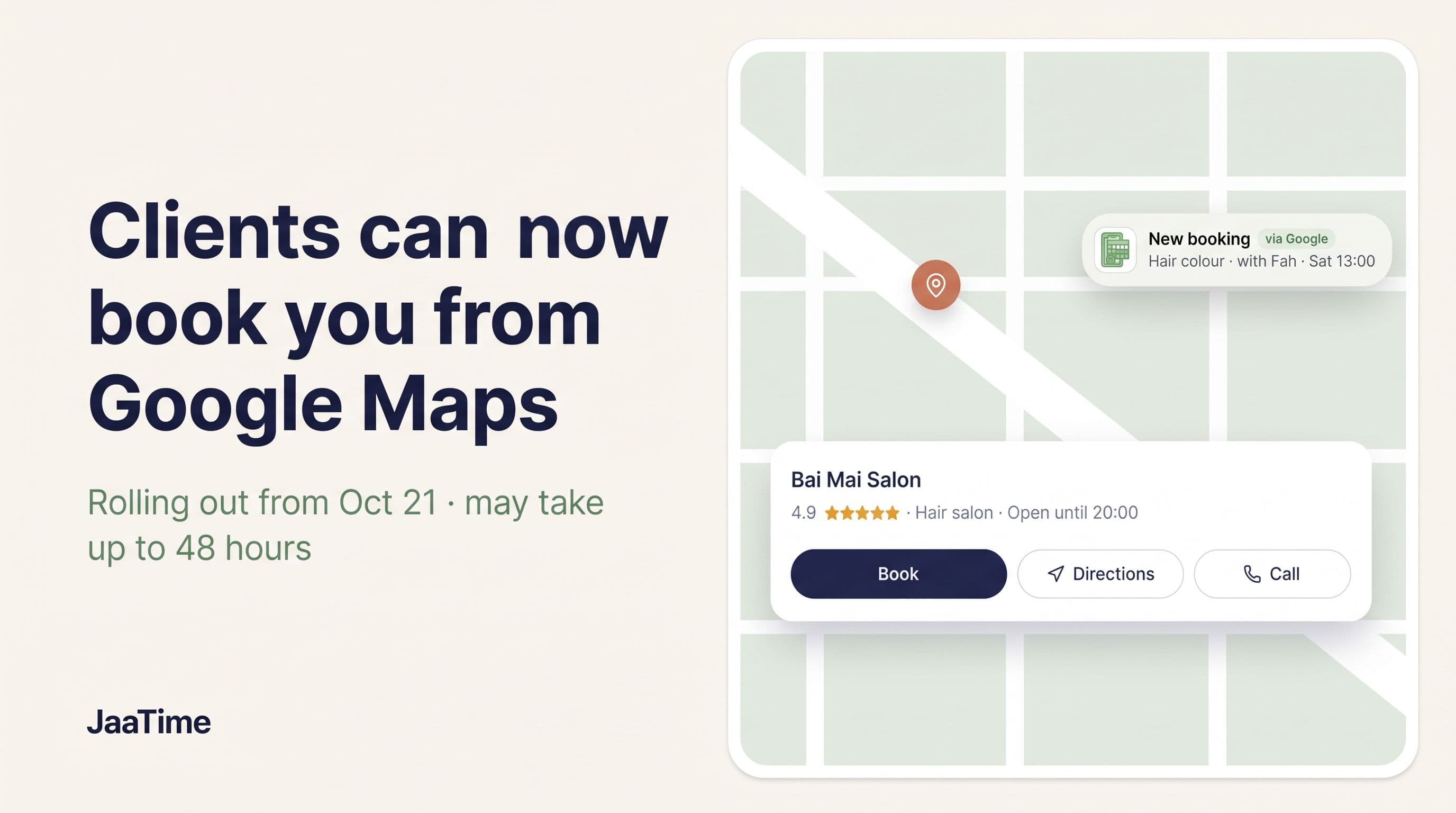
Big news for every shop on JaaTime: we are now officially integrated with Google. Customers who find your shop on Google Maps or Google Search can book an appointment in a few taps, without hunting for your LINE, Facebook page or phone number.
That's not all. Over the last few weeks we shipped 11 more updates, most of them straight from your requests. Thank you to every shop that wrote to us.
Book on Google: customers book straight from Google Maps
JaaTime passed Google's review and is now an official Reserve with Google partner. Your Google listing can now show a Book button that opens your JaaTime booking page.
How it works for your customers
- Step 1
They find you on Google
they search "massage near me" or your shop name on Google Maps or Google Search.
- Step 2
They tap Book
the button sits right on your listing, next to directions and reviews.
- Step 3
They pick a service and a time
your booking page opens with the service already selected and only real free times shown.
- Step 4
Done
the booking lands in your JaaTime calendar right away, and the usual confirmations and reminders go out.
Why this matters for your shop
- More new customers. Google Maps is where people look for a salon, spa, barber or clinic nearby. Now they can book the moment they decide, not "later", when they may have already forgotten about you.
- Less back-and-forth in chat. Customers see your real free times and book themselves. No more "do you have 3pm?" while you're busy with a client.
- Bookings 24/7. Google brings customers at night and on holidays too, while the shop is closed.
- No double bookings. Bookings from Google go into the same calendar, with the same staff, shifts and booking rules as every other booking.
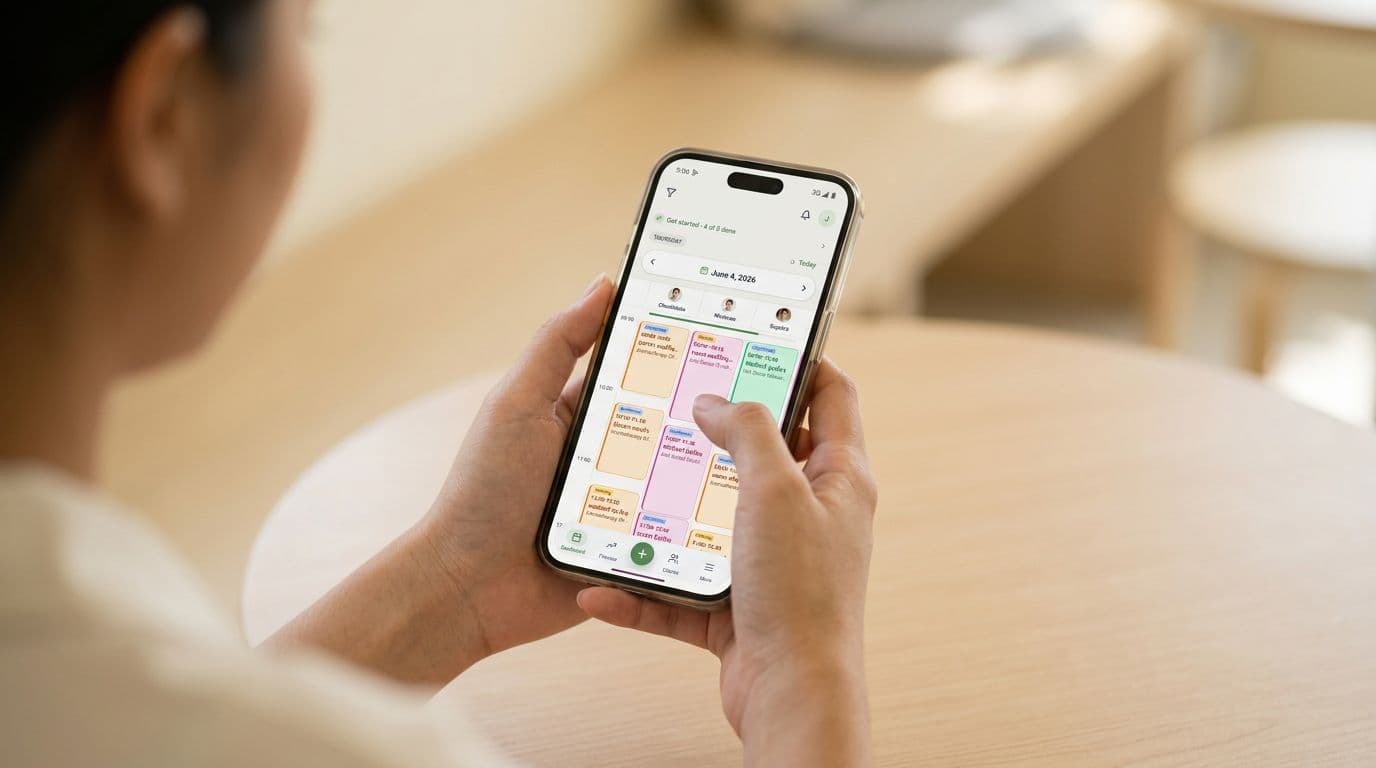
- You see what Google brings you. Bookings from Google carry a blue Google tag on the calendar and a "via Google" label inside the appointment.
- Nothing new to learn. It's your usual JaaTime booking page, with your services, prices and staff.
Prefer not to appear on Google? Message us on LINE at @jaatime or email support@jaatime.com and we'll remove your shop within 5 business days. Your booking page, LINE links and JaaLink keep working as before.
What else is new in JaaTime
Group bookings
Couples and friends who come together can now book in one go. On the booking page the customer picks a service, says how many people are coming, and chooses staff. Everyone starts at the same time, each with their own staff member, all in one booking. Great for spas and massage shops where people often come in pairs. Turn it on in the booking page settings (Pro plan and above).
Rooms & spaces
For services that need a specific room (a VIP room, a couples room, a treatment room) and for businesses that rent out space: courts, studios, halls. JaaTime now knows which rooms are busy and won't put two bookings in the same room at the same time. Rooms get their own calendar view, and courts can be rented without a staff member, with an optional trainer.
Custom LINE notification texts
If your shop has its own LINE OA, you can now write your own text for each notification: booking confirmation, reminders, cancellation, reschedule and more. You can also send a card with an image and up to three buttons, and send yourself a test message before turning it on. Customers hear from your shop in your own voice.
Intake form right after booking
Clinics and massage shops can ask customers to fill in an intake form right after they book: on the success screen or through a button in the LINE confirmation. The customer arrives with the form already done, and you save time at the front desk. Returning customers can confirm their previous answers instead of filling everything in again.
"Client's choice" label
Every online booking now shows whether the client picked a staff member by name or chose "any available staff". If you move a booking away from the person the client asked for, JaaTime asks you to confirm first, so a regular doesn't lose their favourite stylist by accident.
Booking comments on the calendar
The comment on a booking, like what the client wrote when booking or a note from your team, now shows right on the appointment card in the calendar. No need to open the appointment to see it.
Pause online booking with a banner
Closed for a holiday, renovation or flood? Pause online booking with one switch and write your own message, for example "Closed until November 3, see you soon!". Customers see your message on the booking page instead of the calendar. Switch it back on and bookings open again right away.
Minimum notice up to 24 hours
You can now ask customers to book further ahead: the last-minute cutoff now goes up to 12 or 24 hours before the appointment. Useful when you need time to prepare or order products for a visit.
Delete shifts in bulk
Remove shifts for several staff members over a date range in one action, instead of deleting them one by one. Handy when the schedule changes or someone goes on leave.
Choose how the AI assistant speaks: ครับ or ค่ะ
The AI assistant that answers your LINE chats speaks as your shop. You can now choose its polite particle: ครับ, ค่ะ or automatic. A barbershop will no longer sound like a beauty salon.
Coming soon: card deposits. Join the test
We're testing deposits paid by card and PromptPay through Stripe. The customer pays the deposit online when they book, the booking confirms itself, and there are no transfer slips to check. The money goes straight to your shop's own Stripe account. It's especially useful for shops with foreign customers who'd rather pay by card.
We're opening it to a small group of shops first. To join, message us on LINE at @jaatime with "Stripe test" and your shop name, and we'll switch it on for you. The test is for shops on the Max plan. Stripe's standard processing fees apply.
What's next
We keep building JaaTime around what shops in Thailand actually need. Have an idea or a request? Message us on LINE at @jaatime. Much of this update started with messages just like that.
JaaTime JournalUpdated October 19, 2026. Plan prices in this article come straight from our live price list. Spotted an inaccuracy? Tell us on LINE.