"ai assistant"
Meet Nong Jaa: The AI Assistant That Knows Your Shop's Numbers
Nong Jaa is the AI assistant inside JaaTime. It reads your shop's real data, so you can ask about revenue, staff commission, and today's schedule instead of hunting through reports.
- Section
- "ai assistant"
- Reading
- 5 min
- Updated
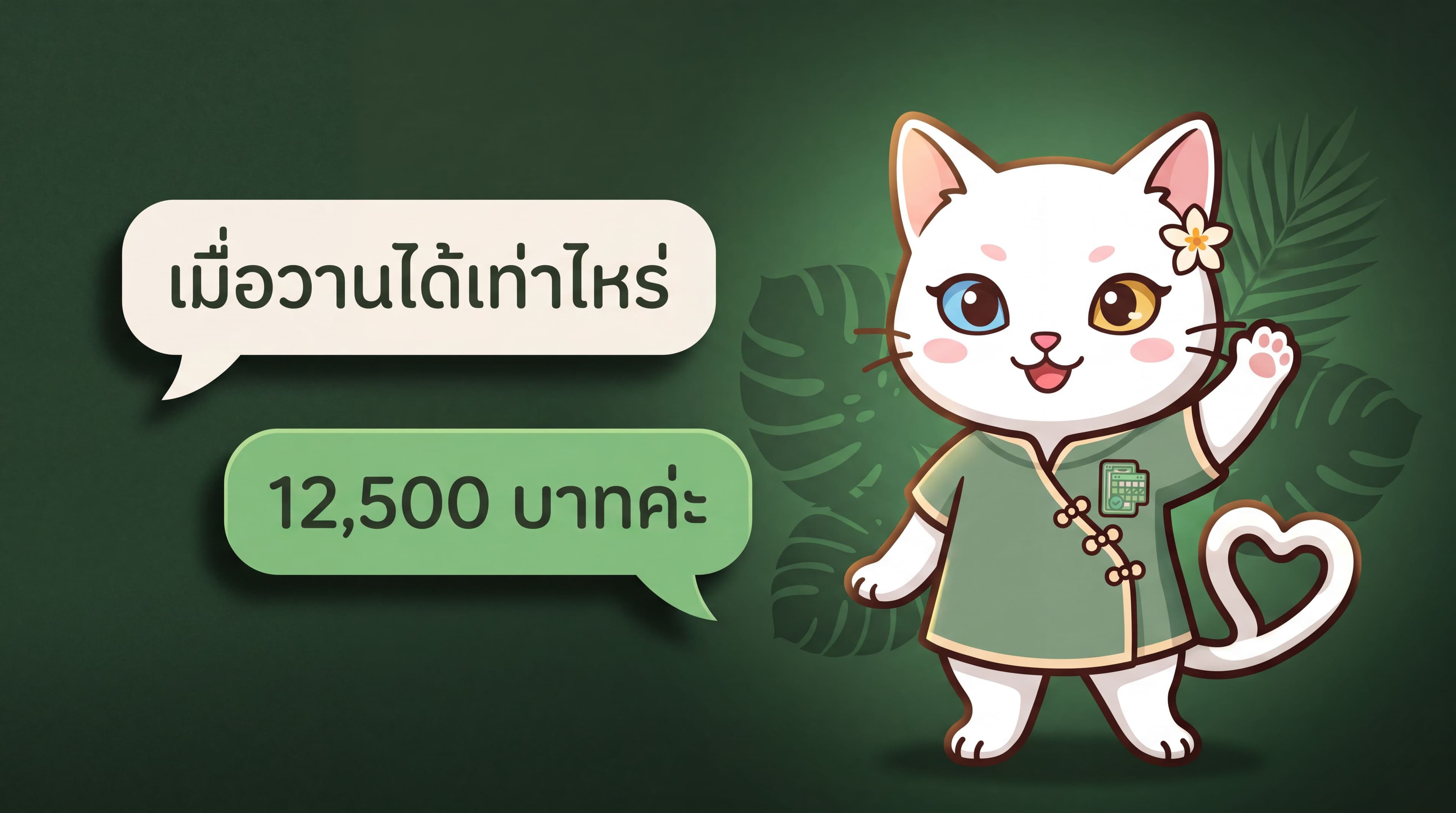
Most AI assistants built into business software can only tell you which button to press. That helps in week one, but it does not help on a busy Saturday, because the questions owners actually have are about their own shop: what did we take yesterday, how much commission does this stylist have this month, and why didn't I get notified when that client booked.
Nong Jaa is the assistant inside JaaTime, built to answer that second kind of question. Here is what it can do.
Ask about your own numbers
The difference from a normal chatbot is that Nong Jaa can read your shop's real data, not just the help articles.
You can ask things like:
- Revenue for any day, week, or month
- Which services sold best over a period
- The busiest hours and days of the week for your shop
- What is on the schedule today or tomorrow, and who is doing it
- How much is still outstanding from unpaid appointments
- Who your top clients are, and who has not been back in a while
All of that already exists in the system, but it usually means opening several screens. Nong Jaa turns it into one question.
Check staff commission and pay
Commission is the single most common thing owners ask about, because it comes up every pay cycle and is easy to get wrong by hand.
Nong Jaa can tell you:
- The commission rates configured for each staff member, and how many services they apply to
- What that person earned over the period you asked about, split into service commission, product commission, and tips
- How much is still unpaid right now
You never have to tell it the commission rate. The rates you configured are already in the system, so it reads them.
It diagnoses instead of handing you a checklist
A common problem is "a client booked and I never got a notification." A help article answers that with a list of things to check yourself, which does not tell you what is wrong with your shop.
Nong Jaa checks the real setup instead — your shop's notification settings, your personal settings, and whether the channel can actually deliver: are you still friends with the LINE account, is this phone registered for notifications. Then it tells you which link in the chain is broken.
The same applies to LINE setup. It can tell you which account your shop currently sends from and which step is still missing.
It can do things, not just explain them
Nong Jaa does not stop at instructions. It can act — with you confirming every time.
- Take you straight to the right settings screen rather than naming a menu
- Open a new appointment form with the details already filled in, so you just check and save
- Do the same for adding a service, a client, or a staff member
- Switch on automatic client reminders in one step
Importantly, it never saves a booking or changes your data on its own. Everything goes through the same forms you already use, and you press save.
Sometimes it speaks first
Open Nong Jaa and it shows a few ideas it found by looking at your actual numbers:
- A day next week that is unusually quiet compared to your own normal
- Clients who have not returned in a while and can still be reached on LINE, with help sending a win-back message from your own LINE account — you always preview the message before it goes
- A no-show rate that is higher than it should be, with a suggestion about taking deposits
- Features that would suit your shop but are not switched on yet
Help with replying to customers
Alongside the owner-facing assistant, JaaTime has an assistant in the message inbox that helps with the customer side.
When a customer messages you on LINE, it reads the question and prepares a draft reply based on your services, prices, opening hours, and the common questions you have saved. You review it, edit anything you want, and send.
The benefit is that repeat questions — how much is this, what time do you open, is there parking — do not need retyping, while your customers still get a reply from a real person rather than a bot running unsupervised.
Staff can use it too, but only see their own data
Nong Jaa is available to your staff as well, with access limited by role.
A staff member can ask about their own earnings, but cannot see shop-wide revenue, a colleague's commission, or overall financial data. Owners and managers see everything.
When it cannot help
Nong Jaa does not know everything. If something needs a person — a suspected bug, or a billing and account question — it hands the conversation to the JaaTime team with the details you already gave, so you do not have to explain twice.
Getting started
Open JaaTime and tap Nong Jaa in the bottom-right corner. It works on both the web dashboard and the mobile app, and you can write in Thai or English. There are no special commands.
If you are not sure where to start, try the question you would otherwise go looking for: "what did we take yesterday" or "how much commission does this stylist have this month."
JaaTime JournalUpdated August 25, 2026. Plan prices in this article come straight from our live price list. Spotted an inaccuracy? Tell us on LINE.