Free Online Booking Systems: A Practical Setup Guide for Service Businesses
Learn how to set up a free online booking system for a service business in Thailand, from preparing services and staff hours to testing reminders and sharing your booking page.
A free online booking system can help a service business accept appointments around the clock without answering every availability question manually. For salons, barbers, spas, tattoo studios, trainers, photographers, and other appointment-based businesses in Thailand, the right setup can turn LINE and social media conversations into confirmed bookings while keeping the calendar organized.
The software matters, but your setup matters just as much. Unclear service durations, missing breaks, and complicated booking instructions can create confusion even with a capable platform. This guide explains how to prepare and launch a practical customer appointment system without overcomplicating the process.
What an online booking system solves
Managing appointments entirely through chat may feel manageable when a business is new. As demand grows, however, the owner or receptionist repeatedly answers the same questions: What times are available? Which staff member is working? How much does the service cost? Can the client move the appointment?
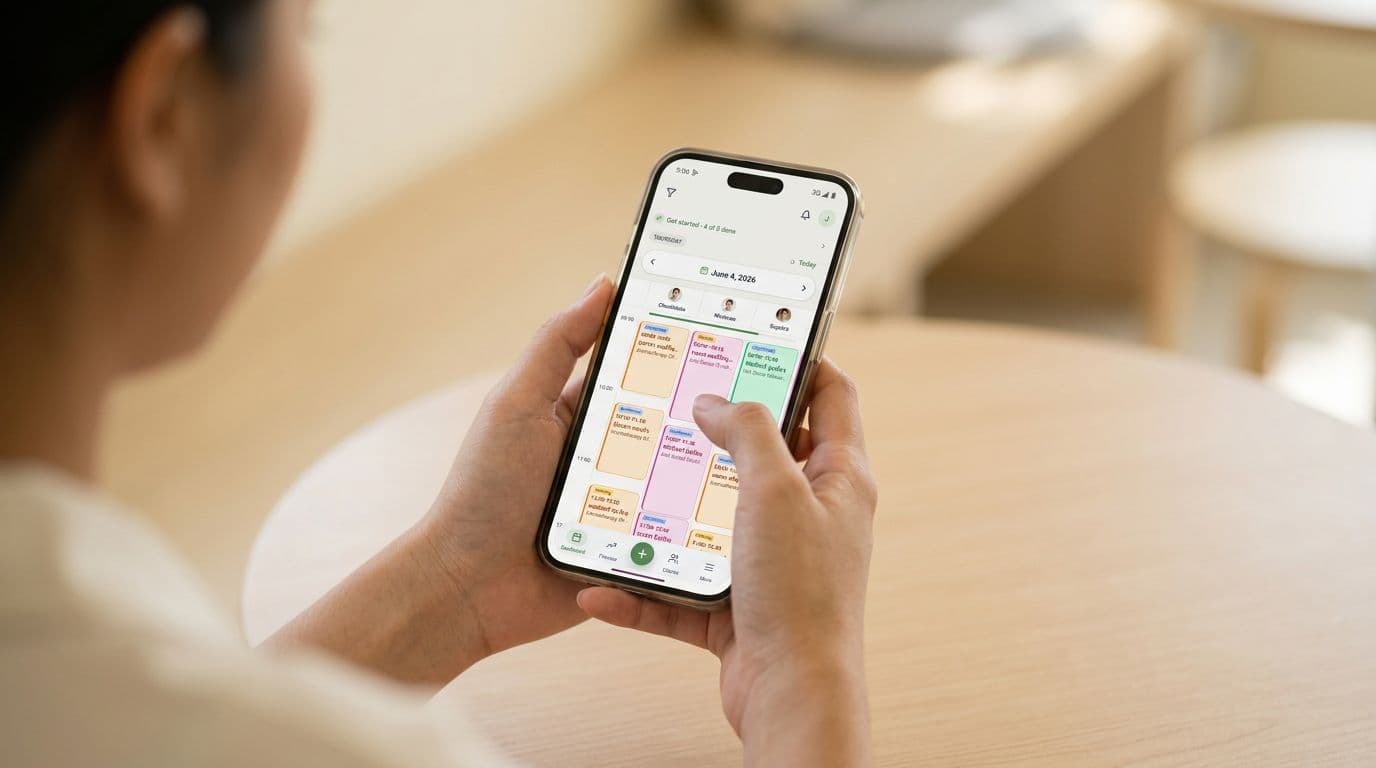
An online appointment scheduling system gives clients a structured way to choose a service, staff member, and available time. A central calendar then helps the business avoid missed messages and overlapping appointments.
For a small service business, the main benefits are straightforward:
- Clients can book outside business hours.
- Available times reflect working hours and existing appointments.
- Service duration is reserved correctly on the calendar.
- Staff can view upcoming work in one place.
- Confirmations and reminders reduce repetitive chat.
- Client visit history is easier to find later.
The booking page should complement personal service rather than eliminate it. Clients can still ask questions through LINE, but routine appointments no longer need a long exchange of messages.
What a free online booking system should include
Free plans vary, so focus first on the functions needed to accept and manage a real appointment. A useful free booking system for service businesses should provide a public booking page, an appointment calendar, configurable services, working hours, and client details.
Mobile usability is particularly important in Thailand. Many clients will open a link from LINE, Instagram, or Facebook rather than from a desktop browser. Test whether the page loads clearly inside an in-app browser and whether the booking process is short enough to complete without instructions.
Automatic confirmation and reminder options are also valuable. Check which channels are supported and whether notification allowances have limits. SMS may involve quotas or additional costs, while LINE can be a more natural channel for businesses whose clients already use it.
JaaTime's Free plan includes one seat and one branch, a mobile-first booking page, a calendar, client history, booking through a shared LINE Official Account, and automatic LINE and in-app reminders. Clients do not need to install an app. They can book through the web page, including from inside LINE.
Prepare services, prices, and working hours
Before creating the booking page, write down the information required to calculate genuine availability. Do not begin with design or promotional text. Begin with the operating rules of the business.
Define each bookable service
Give every service a clear client-facing name. Avoid internal abbreviations that a new visitor may not understand. Add an accurate duration and price, or explain clearly if the final price depends on an assessment.
If a service has meaningful variations, decide whether they should be separate services or selectable options. For example, a salon may need different durations for hair length, while a photographer may separate a short portrait session from a full-day assignment.
Keep the initial menu focused. A long list of nearly identical choices makes booking harder and increases the chance that clients select the wrong option.
Set realistic durations
Service duration should include the time during which a staff member or resource is unavailable. If cleanup, room preparation, or consultation is required, account for it in the schedule rather than hoping there will be a gap.
Test combinations carefully if you allow clients to book multiple services in one visit. JaaTime supports multi-service bookings and service options, with availability based on service duration, working hours, and staff shifts.
Add staff availability
Set regular working hours, shifts, breaks, and the services each person can perform. Confirm whether lunch, training, or administrative time needs to be blocked.
Accurate schedules help prevent double-booking. They also avoid offering an appointment to a client when the relevant specialist is not present.
Create and share your booking page
Once the operating details are ready, build the booking page and complete a booking as if you were a first-time client.
A simple launch process looks like this:
- Add your business name, logo, contact details, and preferred colors.
- Create services with understandable names, durations, and prices.
- Add staff members and assign the services they can provide.
- Configure working hours, shifts, and breaks.
- Review the times displayed on the client-facing page.
- Make a test appointment and check the calendar entry.
- Copy the booking link and place it where clients already communicate with you.
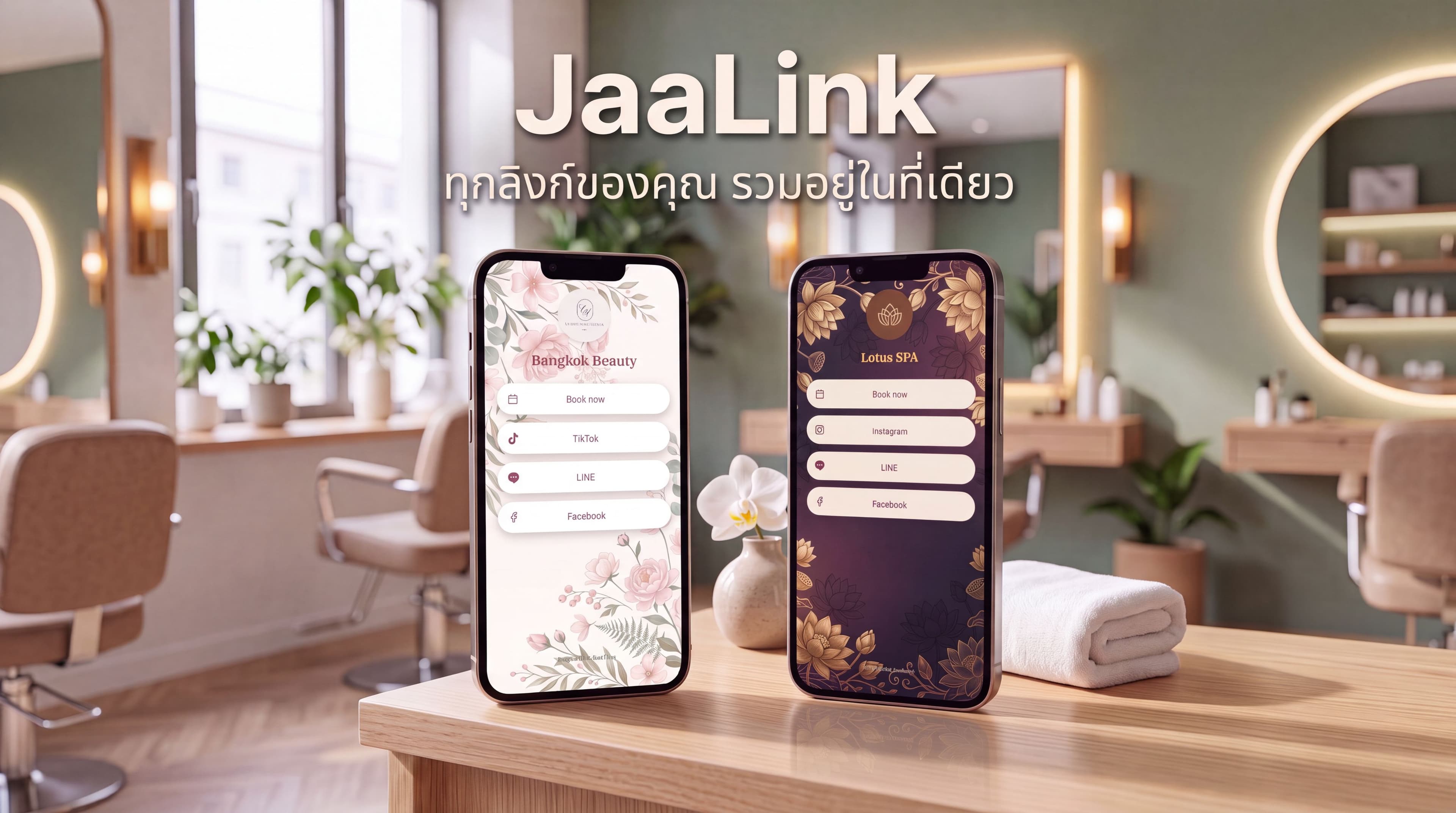
With JaaTime, each business receives a booking page on its own JaaTime subdomain. The page supports Thai and English and can be shared through LINE, Instagram, Facebook, or a business website.
Keep the message around the link direct. For example: Choose your service and available time here. Avoid sending a paragraph of instructions unless the service has an unusual preparation requirement.
If LINE is your main channel, make the booking link easy to find rather than repeatedly pasting it into individual conversations. JaaTime can open booking inside LINE through a rich menu and LINE LIFF. The Free plan uses a shared LINE Official Account, while connecting a business's own LINE OA is available on Pro.
Use confirmations and reminders to reduce chat work
A confirmation should tell the client that the appointment was recorded and restate the essential details. A reminder should arrive early enough for the client to review the appointment and take action if plans have changed.
Before launch, verify:
- The service, date, time, staff member, and location are correct.
- The client understands how to reschedule.
- Preparation or arrival instructions are concise.
- Staff can see changes in the calendar.
- Notifications are being delivered through the expected channel.
JaaTime provides automatic LINE and in-app reminders on every plan, and clients can reschedule from a reminder. Paid plans include monthly SMS allowances, but a business that mainly communicates through LINE can begin without depending on SMS.
Limits of free scheduling software
A free online booking system is often sufficient for a solo operator testing online appointments. It may become restrictive when the business needs more staff access, deposits, branded communication, loyalty features, financial tools, or multiple branches.
Consider upgrading when:
- More than one person needs access to the system.
- No-shows make booking deposits necessary.
- You need receipts or payment tracking.
- You want promotions, intake forms, or loyalty programs.
- The business needs its own LINE Official Account booking flow.
- Several branches need shared client information and centralized oversight.
JaaTime Free supports one seat and one branch. Plus adds up to three seats as well as payments, receipts, deposits, intake forms, promocodes, and a LINE inbox. Pro supports up to ten seats and adds features including a business's own LINE OA, loyalty, packages, gift cards, finance, marketing automation, and advanced analytics. Max adds multi-branch management and unlimited team seats.
Every new JaaTime account begins with a 14-day Max trial without requiring a credit card. After the trial, the business can continue on the free-forever plan or select a paid plan. Downgrading disables unavailable features but does not delete the business's data.
Pre-launch booking system checklist
Run a final test before posting the link publicly. Use a phone and open the page through the same apps your clients normally use.
- Check Thai and English service names where relevant.
- Confirm prices and durations for every service.
- Verify staff assignments, shifts, breaks, and days off.
- Try booking the first and last available slots of the day.
- Confirm that an occupied time is no longer offered.
- Test a multi-service appointment if you provide one.
- Review confirmation and reminder messages.
- Test rescheduling from the client's perspective.
- Check the experience inside LINE's in-app browser.
- Ask someone unfamiliar with the setup to complete a booking without help.
Start with a simple service menu and accurate availability, then improve the experience based on the questions clients continue to ask. A well-configured system should make booking easier for clients while giving the business a reliable calendar and less routine chat work.
Ready to accept appointments online? Explore JaaTime's free online booking system and plan options.