How to Choose a Booking App for Your Service Business
A practical guide to choosing a booking app in Thailand, from client experience and LINE reminders to staff scheduling, deposits, pricing, and trial testing.
A booking app should do more than replace a paper calendar. For a service business in Thailand, the right system should make booking easier for clients, keep staff schedules accurate, reduce repetitive chat, and support familiar channels such as LINE and PromptPay.
This guide explains what to compare before moving your salon, spa, studio, or independent service business to an online booking system.
What is a booking app?
A booking app is software that lets clients choose an available service, staff member, date, and time. It then records the appointment in a central calendar for the owner and team.
This is different from taking appointments manually through LINE, Instagram, or Facebook. Chat works when booking volume is low, but every appointment can require several messages:
- The client asks which times are available.
- You check the calendar or ask a staff member.
- The client changes the requested time.
- You collect their name, phone number, and service choice.
- Someone manually adds the final appointment to a calendar.
An online booking app automates most of that exchange. Clients see only valid times based on working hours, staff shifts, existing appointments, and service duration.
It is also important to distinguish appointment booking from virtual queuing. A virtual queue is useful when clients arrive without a fixed time and wait for the next opening. Appointment software is better when services have defined durations and clients need to reserve a specific time in advance.
Seven features every online booking app should have
1. A simple client booking page
Clients should be able to book from their phones without creating a complicated account or downloading an app. Test how many screens, fields, and decisions are required from opening the link to confirming an appointment.
The page should clearly show services, prices, durations, staff choices, and available times. For businesses serving both Thai and international clients, Thai and English support is also valuable.
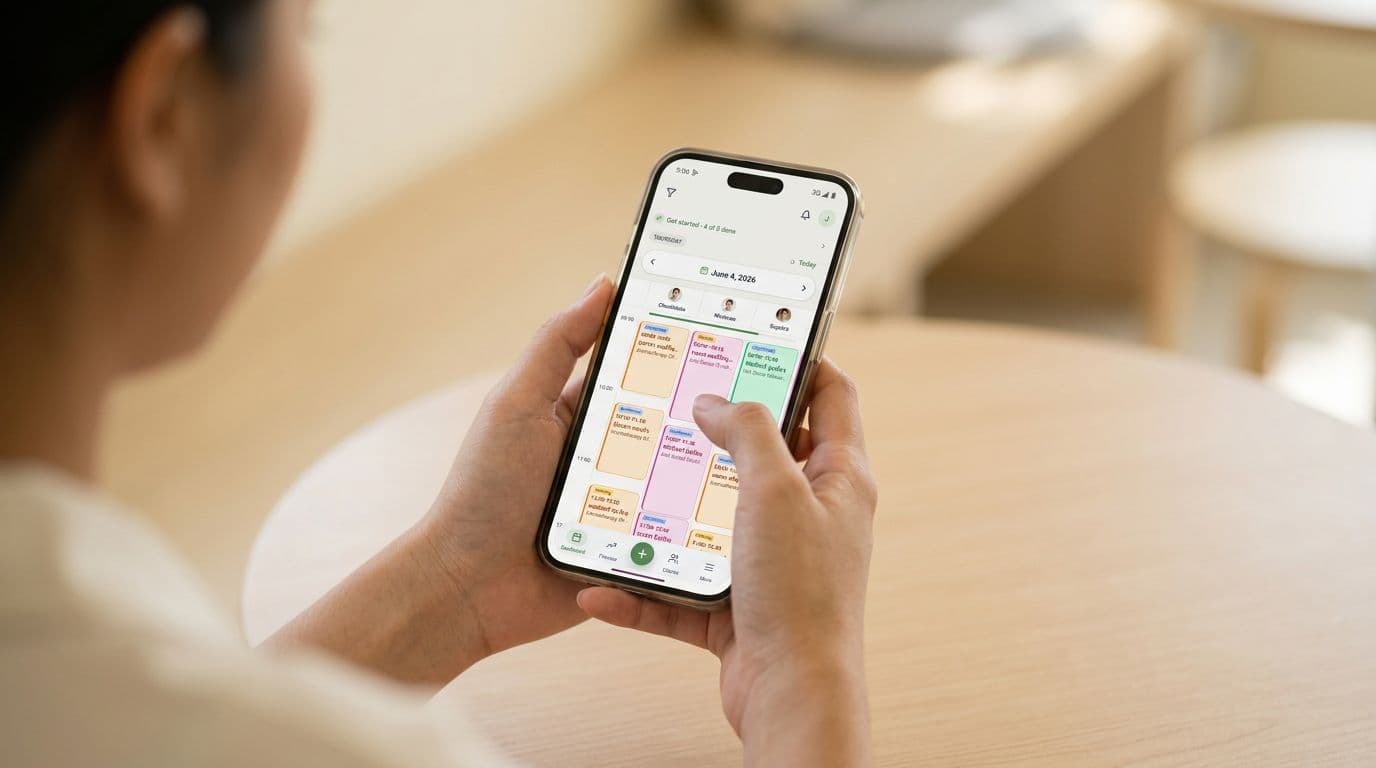
JaaTime provides each business with a mobile-first booking page on its own JaaTime subdomain. Clients can book in under a minute without installing an app, including from the LINE in-app browser.
2. Availability that reflects real operations
A booking calendar must understand more than opening hours. It should account for:
- Different shifts for each staff member
- Breaks and days off
- Services offered by specific staff
- Different service durations
- Existing appointments
- Bookings containing multiple services
Without these controls, an attractive booking page can still create double-bookings or offer times that the team cannot fulfill.
3. Confirmations and automatic reminders
Look at how the system confirms bookings and reminds clients. Ask whether notifications are sent through email, SMS, LINE, or an in-app channel, and whether usage limits or extra charges apply.
For businesses in Thailand, LINE notifications can be more practical than relying entirely on SMS. JaaTime includes automatic LINE and in-app reminders on every plan. Clients can also reschedule from a reminder. Paid plans include monthly SMS allowances, while the Free plan includes 50 SMS messages as a one-time allowance.
4. Client history and useful notes
An appointment booking app should help you recognize returning clients. At minimum, check whether it stores contact details and visit history.
More complete records can include preferences, internal notes, tags, and loyalty status. These details help a stylist remember a regular client's preferences or allow a massage therapist to review notes before the next visit.
Also check who can view or edit client information. This becomes increasingly important as the team grows.
5. Deposits and payment tracking
Deposits can help businesses protect longer or higher-value appointment slots. In Thailand, support for PromptPay is particularly relevant.
Compare whether a system can record deposits, accept slip uploads, track outstanding balances, and issue receipts. JaaTime's paid plans support booking deposits through PromptPay QR or bank transfer, along with receipt and appointment payment tracking.
Do not evaluate payment features only from the client side. The owner should also be able to see quickly which appointments are paid, partially paid, or still awaiting payment.
6. Staff scheduling and permissions
For a solo owner, one calendar and one set of working hours may be enough. A team needs separate schedules, services, shifts, and breaks for each staff member.
The system should prevent two clients from reserving the same staff member at the same time. It should also give staff a practical way to check schedules and update appointments. JaaTime has native iOS and Android apps for owners and staff; clients continue to book through the web and do not need an app.
7. Reporting and retention tools
Once bookings are organized, the data should help you make better decisions. Useful reports include revenue trends, popular services, and peak booking hours.
Depending on your business model, you may also want stamp cards, loyalty tiers, prepaid packages, gift cards, discounts, or automated campaigns. These features may not be necessary on day one, but checking the upgrade path can prevent another software migration later.
Why clients should not have to download an app
A client-facing app adds friction. Someone booking a haircut, tattoo consultation, or photography session may not want to install software they will use only occasionally.
A better flow is usually:
- The client taps a link on LINE, Instagram, Facebook, or your website.
- The booking page opens on their phone.
- They select a service, staff member, and available time.
- They enter the required details and confirm.
- They receive a confirmation and later a reminder.
In Thailand, test the complete flow inside LINE rather than only in a standalone browser. JaaTime is designed to open inside LINE through a rich menu and LIFF. The Free plan uses a shared LINE Official Account, while Pro can connect the business's own LINE OA for a branded booking flow.
Choosing booking software for a solo business or team
Your team structure should guide your decision. Avoid paying for complex staff administration if you work alone, but do not choose a system that becomes unmanageable after your first hire.
| Need | Solo owner | Small team |
|---|---|---|
| Calendars | One | Per staff member |
| Availability | Working hours | Shifts and breaks |
| Service setup | Owner services | Services by staff |
| Access | One login | Multiple seats |
| Reporting | Basic trends | Staff and finance data |
JaaTime Free includes one seat and one branch. Plus supports up to three seats, while Pro supports up to ten. Max includes unlimited team seats and two branches, making it the relevant option when one organization operates multiple locations.
Costs and limits to compare in a free booking app
"Free" can describe a permanent plan, a limited trial, or software that charges separately for essential communication. Before committing, compare the full operating cost rather than the headline price.
Check these items:
- Number of staff seats and branches
- Booking or appointment limits
- Reminder channels and SMS allowances
- Deposit and payment features
- Branding on the booking page
- LINE Official Account integration
- Loyalty and marketing tools
- Data access after downgrading
- Monthly versus annual billing
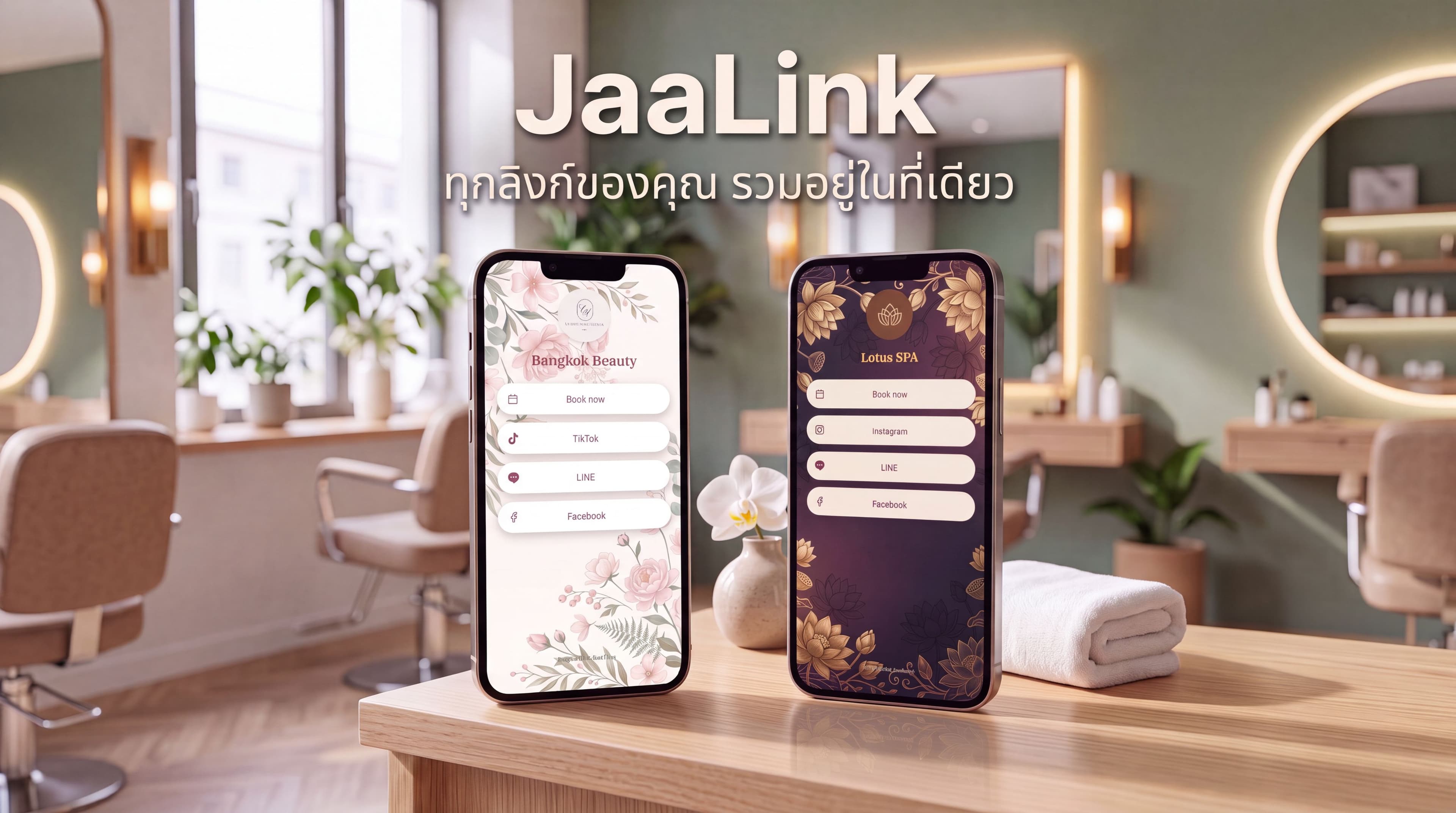
JaaTime has a Free plan at ฿0 for one seat and one branch. It includes the booking page, calendar, client history, LINE booking through a shared official account, automatic LINE and in-app reminders, and JaaLink.
Plus costs ฿390 monthly, Pro costs ฿990 monthly, and Max costs ฿1,490 monthly. Annual billing provides two months free. Every new account begins with a 14-day Max trial without requiring a credit card, and downgrading disables unavailable features without deleting data. Full plan details are available on the JaaTime pricing page.
Trial checklist before moving all appointments
Do not judge an online booking system from its dashboard alone. Run a realistic test from both the client and business perspectives.
- Create your most common services with accurate prices and durations.
- Add working hours, breaks, days off, and staff shifts.
- Make test bookings from an iPhone and an Android phone.
- Open the booking page inside LINE's browser.
- Try different staff, services, and appointment lengths.
- Confirm that unavailable times cannot be booked.
- Test confirmation, reminder, cancellation, and rescheduling flows.
- Add a returning client and inspect the saved visit history.
- If relevant, test a deposit and verify its payment status.
- Ask a staff member to use the calendar without assistance.
Finally, run the new system alongside your current process for a short period. Check upcoming chat bookings against the new calendar so no appointment is missed during the transition.
The best booking app is not necessarily the one with the longest feature list. It is the one clients can use without explanation, staff can trust during a busy day, and the owner can expand without rebuilding the booking process.
Start a free JaaTime account and test the full booking flow.